
Cross-chain transfers allow you to move USDC from your active Stellar wallet to your internal wallets on other networks within the SwiftEx app.
During this process, USDC on Stellar is bridged internally and represented as USDC or USDT on the selected destination network.
Supported Networks
Source network:
Stellar (USDC)
Destination networks:
Ethereum,
BNB Smart Chain
How to Transfer
-
Open S-DEX
Launch the SwiftEx app and navigate to the S-DEX section from your home screen. This is your gateway to managing Stellar-based assets and performing cross-chain transfers between your wallets.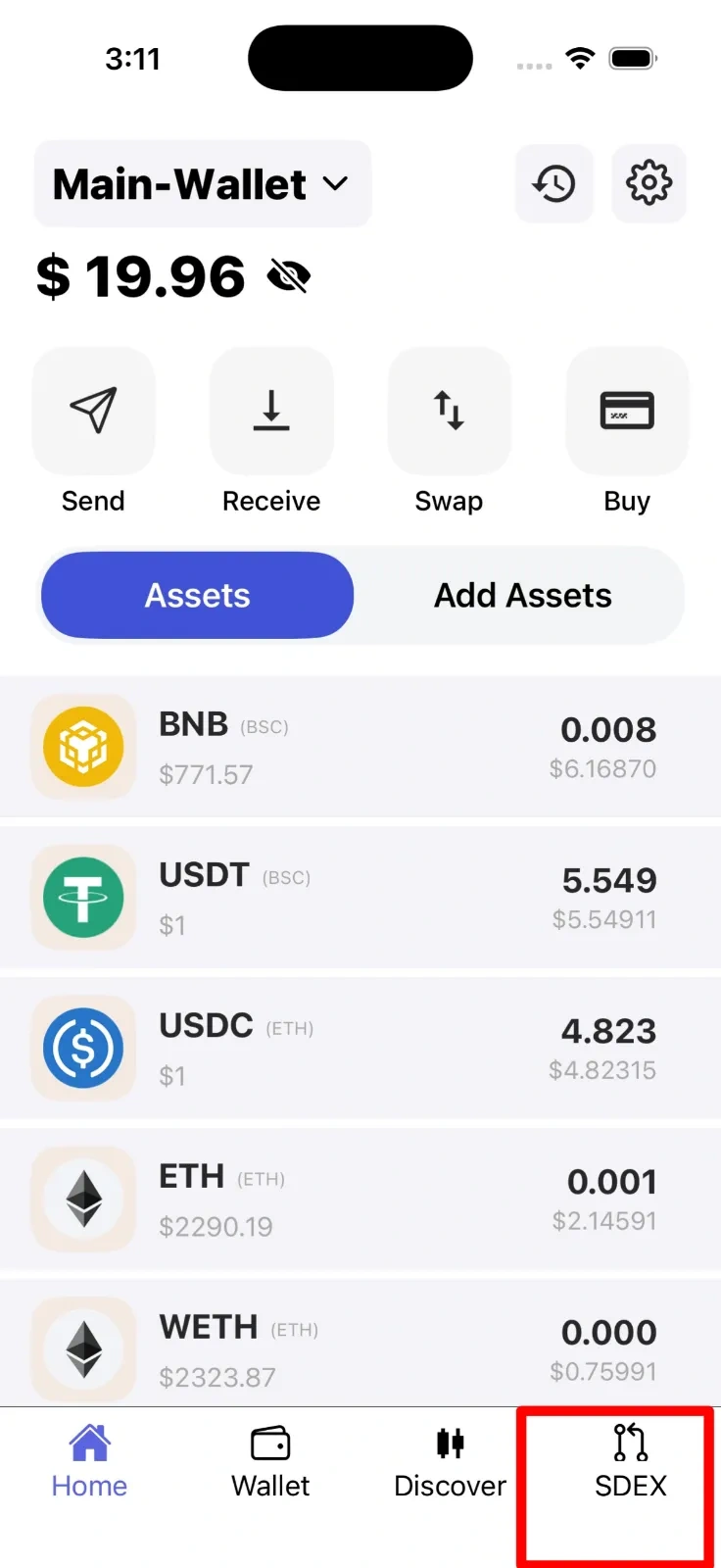
-
Select Cross-chain Transfer
Within the S-DEX interface, locate and tap on the Cross-chain Transfer option. This feature allows you to transfer your Stellar-based USDC to other supported networks. Make sure you have sufficient USDC balance in your Stellar wallet before proceeding.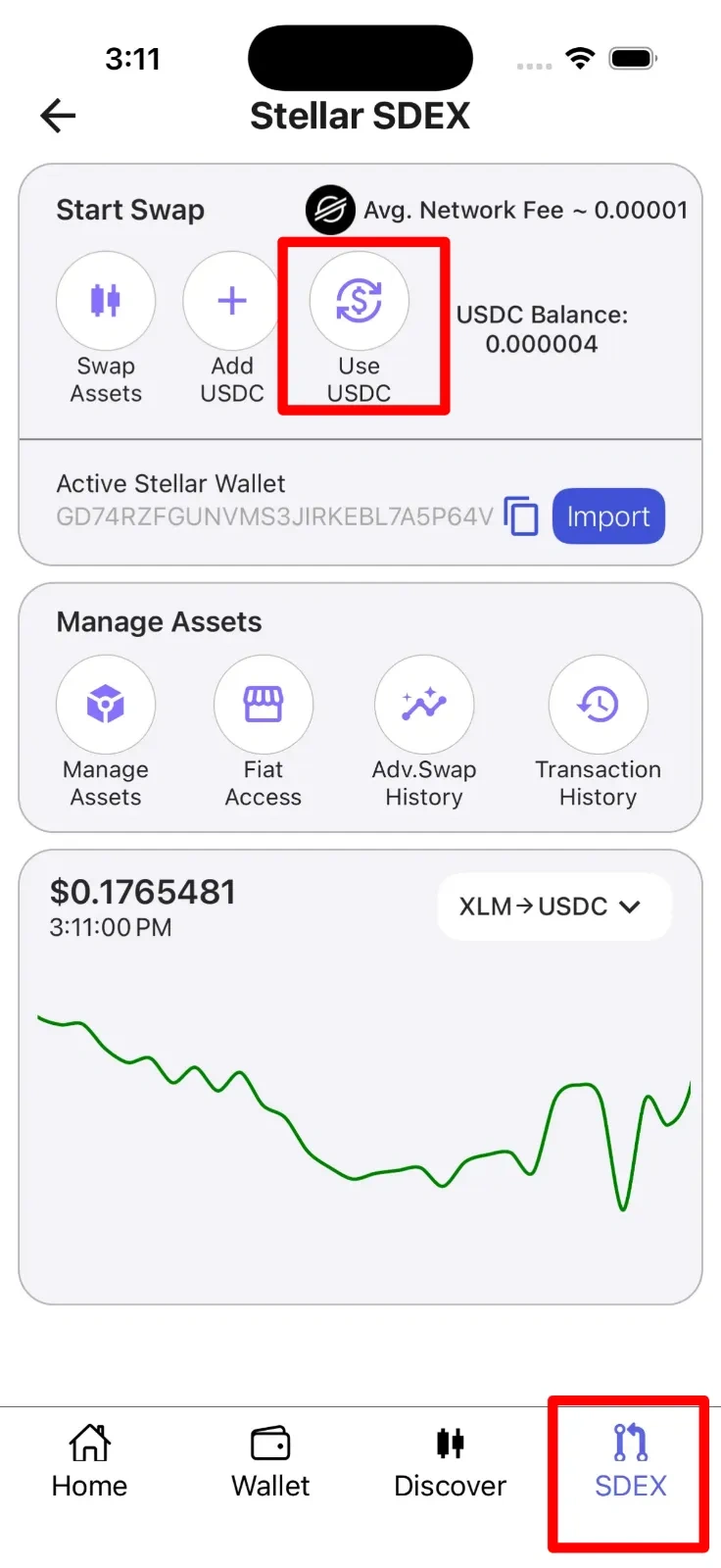
-
Select Destination Network
Choose where you want to send your USDC - either Ethereum or BNB Smart Chain. Consider factors like transaction fees and your intended use case when selecting the destination network. The app will display relevant information about each network to help you decide.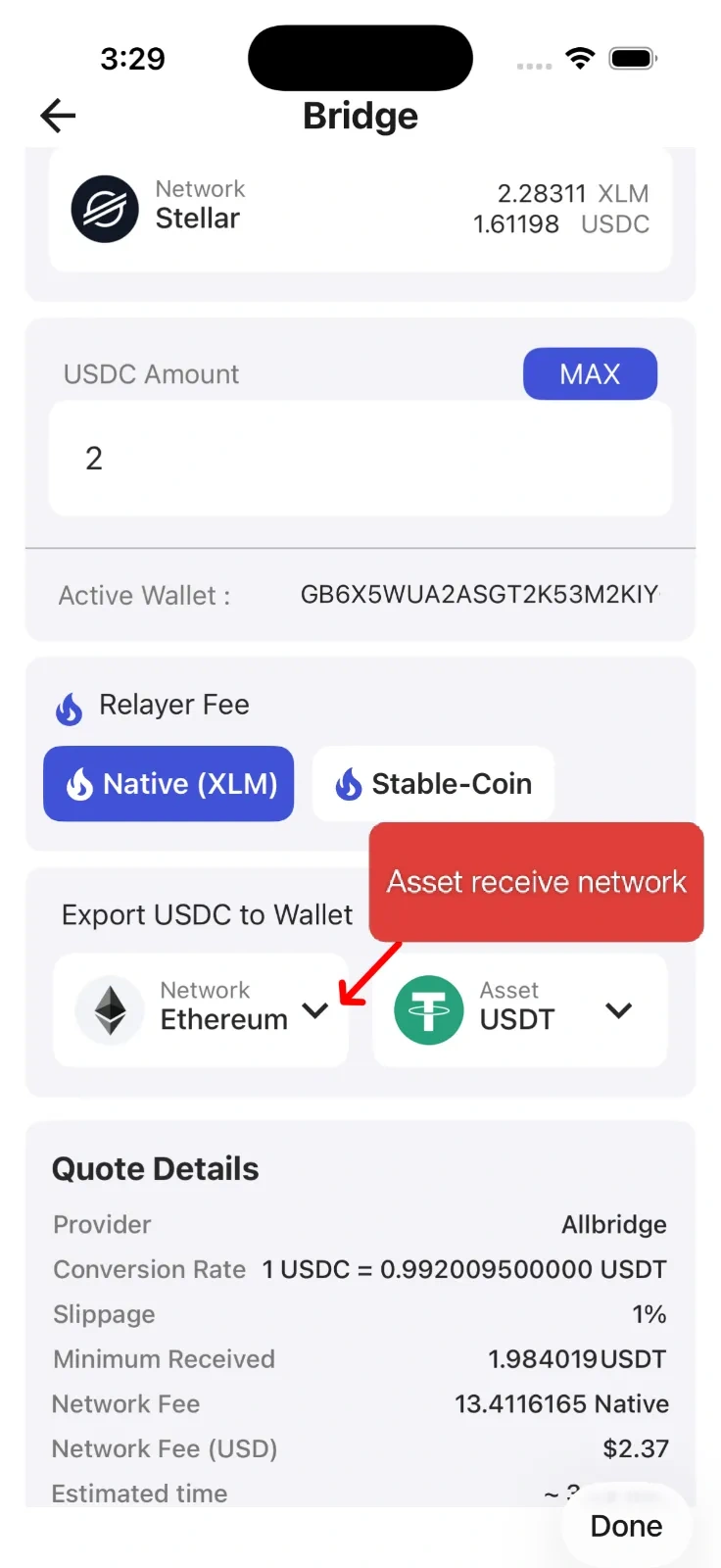
-
Select Asset
Choose the format you want your asset to take on the destination network - either USDC or USDT. Enter the amount you wish to transfer from your Stellar wallet. The app will show your available Stellar USDC balance and may indicate minimum and maximum transfer limits.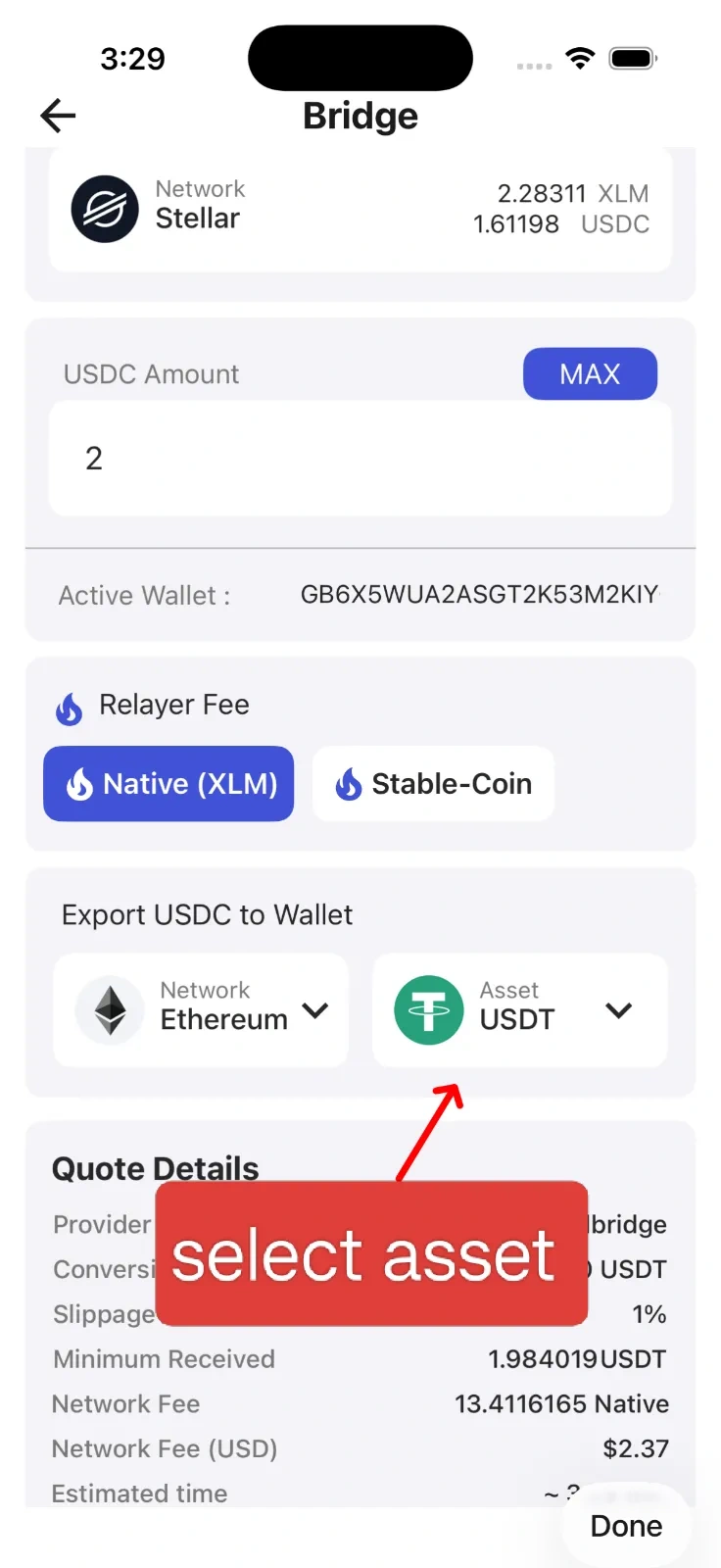
-
Confirm Wallet
Review the destination wallet details carefully. Your assets will be transferred to your internal wallet on the selected network within SwiftEx - not to any external address. Verify that the displayed wallet address matches your intended destination wallet within the app. -
Select Fee Option
Choose your preferred method for paying transaction fees. You can either pay with Stellar's native token (XLM) or use a portion of your USDC to cover the fees. Compare the fee amounts for each option and select the one that works best for you. The estimated total cost will be displayed clearly.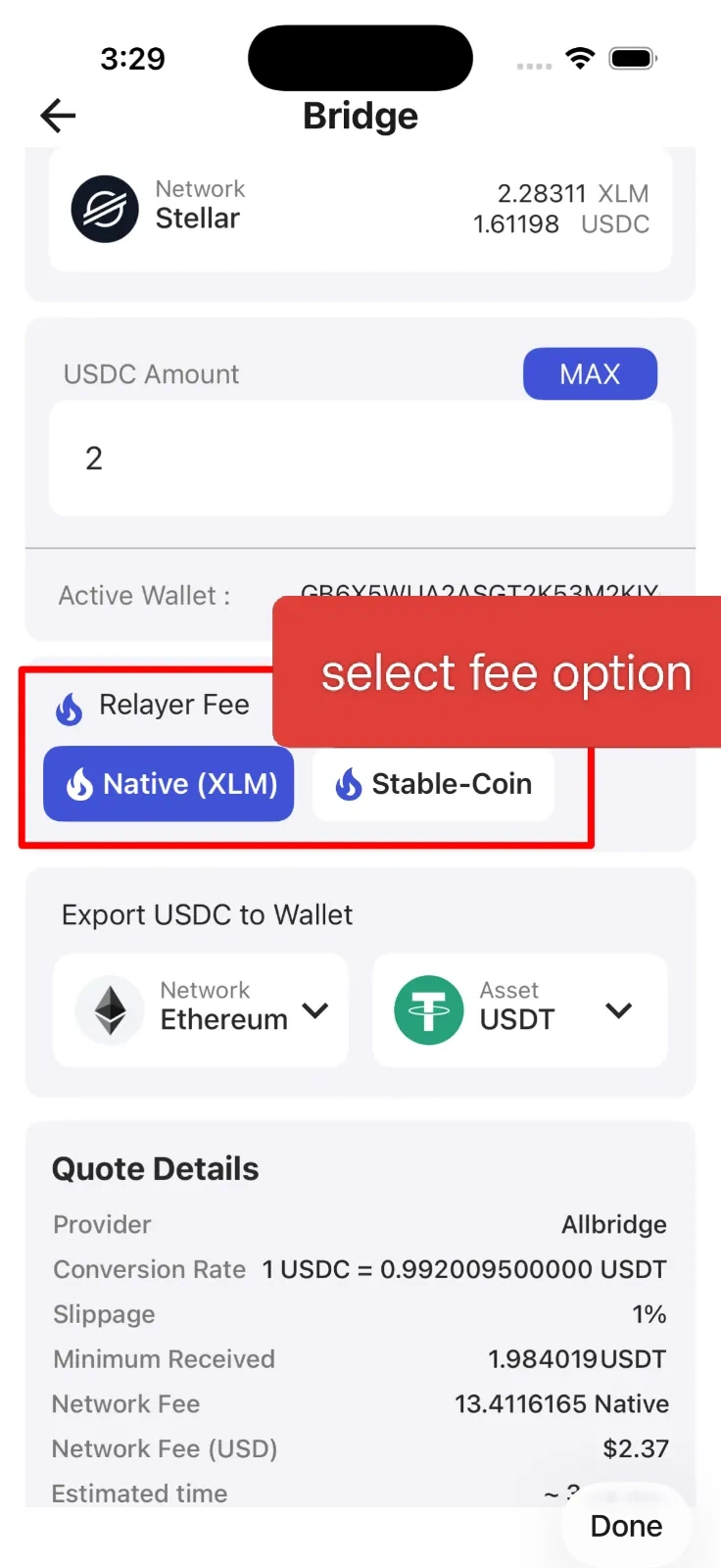
-
Confirm
Review all transaction details one final time including the amount, destination network, asset type, and fees. Once you're satisfied that everything is correct, tap the Confirm button to initiate the transfer. The bridging process will begin and you'll receive a notification once your assets are successfully available on the destination network.
Important
Manual address entry and third-party transfers are not supported with this feature. All asset movement is handled between your internal wallets within SwiftEx only. This ensures security and prevents accidental transfers to incorrect addresses. If you need to send assets to external wallets, please use the standard Send feature instead.